
Data is one of the most valuable assets a business can have. However, collecting data is only the first step the real value comes from understanding which metrics matter and using them to make smarter marketing decisions.
That’s where Google Analytics 4 (GA4) comes in.
Unlike previous versions of Google Analytics, GA4 is built around events, user journeys, and cross platform tracking, giving businesses a more complete picture of customer behavior.
In this guide, we’ll explore the Google Analytics 4 metrics every business should track to improve website performance, optimize marketing campaigns, and drive business growth.
What Is Google Analytics 4?
Google Analytics 4 (GA4) is Google’s latest web analytics platform that helps businesses measure how users interact with their websites and apps.
Instead of focusing primarily on pageviews and sessions, GA4 emphasizes user behavior and events, allowing businesses to better understand the customer journey.
With GA4, businesses can:
- Track website performance
- Measure marketing campaign success
- Analyze customer behavior
- Monitor conversions
- Make data-driven business decisions
Whether you’re running SEO campaigns, Google Ads, or social media marketing, GA4 provides valuable insights to improve your results.
Why Tracking the Right Metrics Matters
Many businesses collect large amounts of data but struggle to identify which numbers truly impact growth.
Tracking the right GA4 metrics helps you:
- Understand customer behavior
- Improve website performance
- Increase lead generation
- Optimize marketing budgets
- Measure return on investment (ROI)
The goal isn’t to track everything, it’s to focus on the metrics that drive better business decisions.
Essential Google Analytics 4 Metrics Every Business Should Track
1. Users and New Users
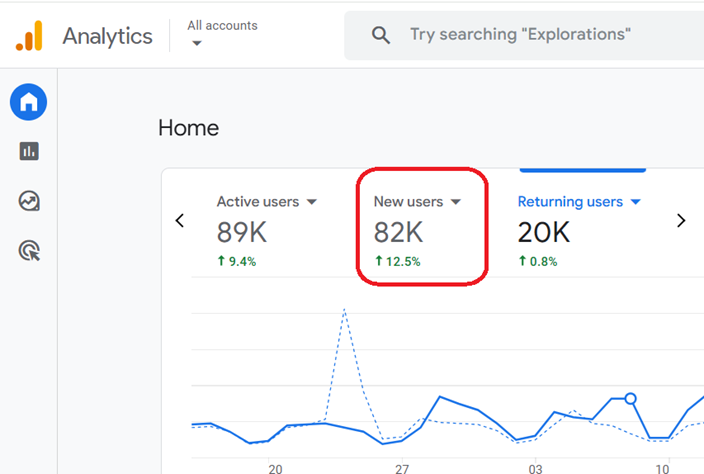
One of the first metrics every business should monitor is the number of users visiting the website.
GA4 distinguishes between:
- Users: Total unique visitors.
- New Users: People visiting your website for the first time.
Tracking both helps you understand whether your marketing efforts are attracting new audiences while retaining existing ones.
2. Sessions
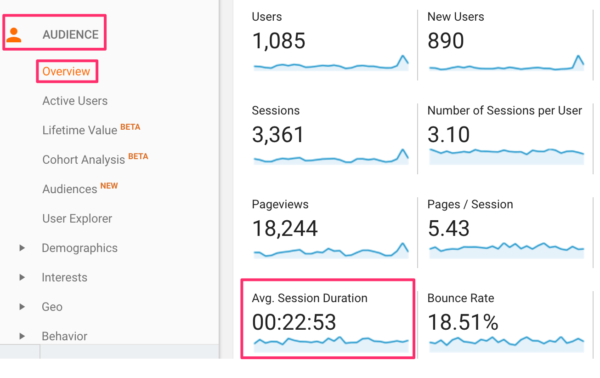
A session represents a user’s visit to your website.
Monitoring sessions helps businesses evaluate:
- Website traffic trends
- Seasonal performance
- Campaign effectiveness
A growing number of sessions generally indicates increasing visibility and audience interest.
3. Engaged Sessions
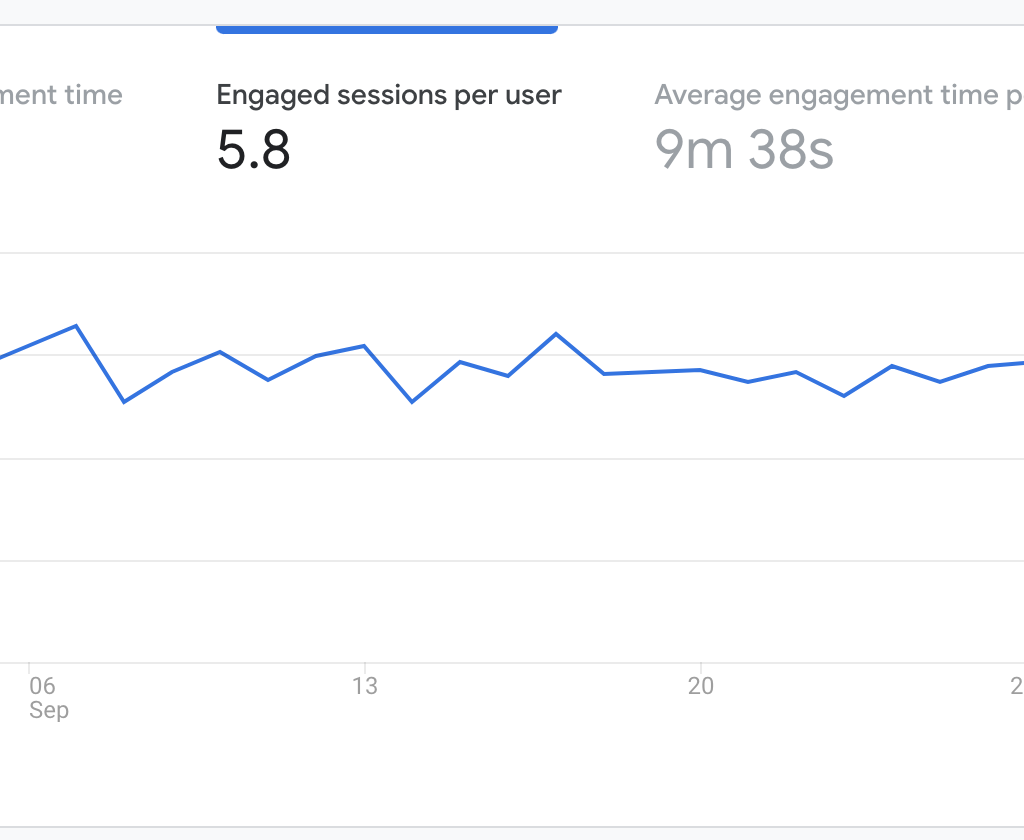
Unlike older versions of Google Analytics that relied heavily on bounce rate, GA4 introduces Engaged Sessions.
An engaged session typically includes users who:
- Stay on the site for a meaningful amount of time
- View multiple pages
- Complete important interactions
This metric provides a more accurate picture of user engagement.
4. Engagement Rate
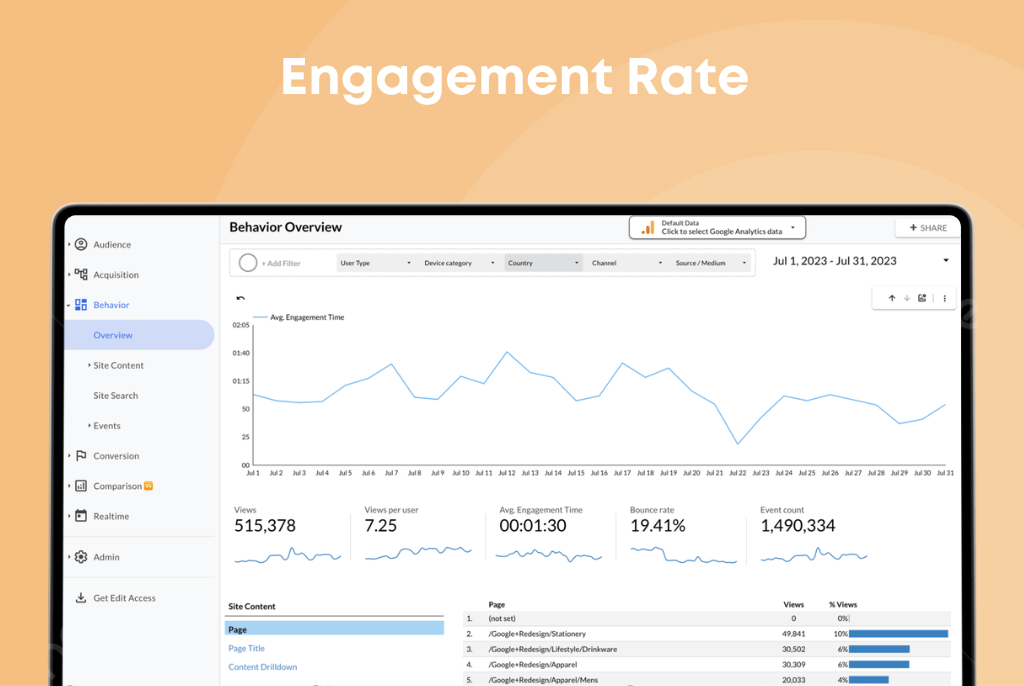
Engagement Rate measures the percentage of sessions where users actively interacted with your website.
A high engagement rate usually indicates:
- Relevant content
- Good user experience
- Strong audience targeting
Businesses should monitor engagement regularly to identify opportunities for improvement.
5. Average Engagement Time
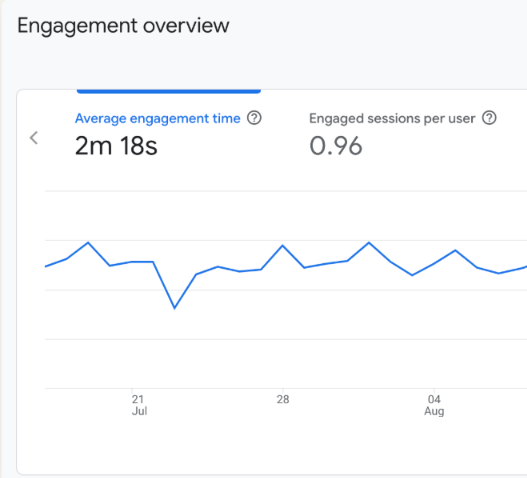
Average Engagement Time shows how long users actively spend interacting with your website.
Longer engagement often indicates:
- Valuable content
- Better user experience
- Higher customer interest
If users leave quickly, it may be time to improve your content or website design.
6. Traffic Acquisition
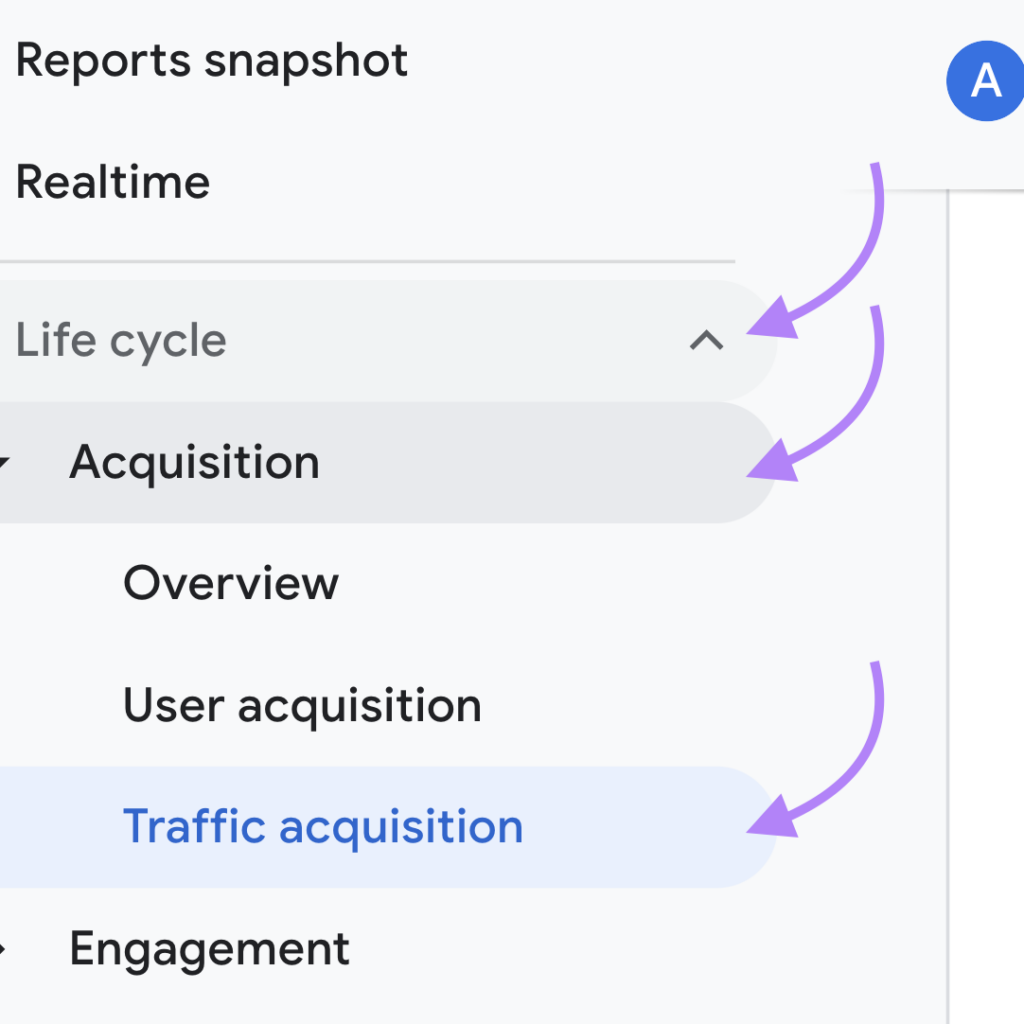
Knowing where visitors come from is essential.
GA4 allows businesses to analyze traffic sources such as:
- Organic Search
- Direct Traffic
- Paid Search
- Social Media
- Referral Websites
- Email Campaigns
Understanding acquisition channels helps businesses allocate marketing budgets more effectively.
7. Conversion Events
Conversions are among the most important metrics in GA4.
Examples include:
- Contact form submissions
- Quote requests
- Newsletter sign-ups
- Purchases
- Phone call clicks
Tracking conversions helps you determine which marketing channels generate real business results.
8. Event Count
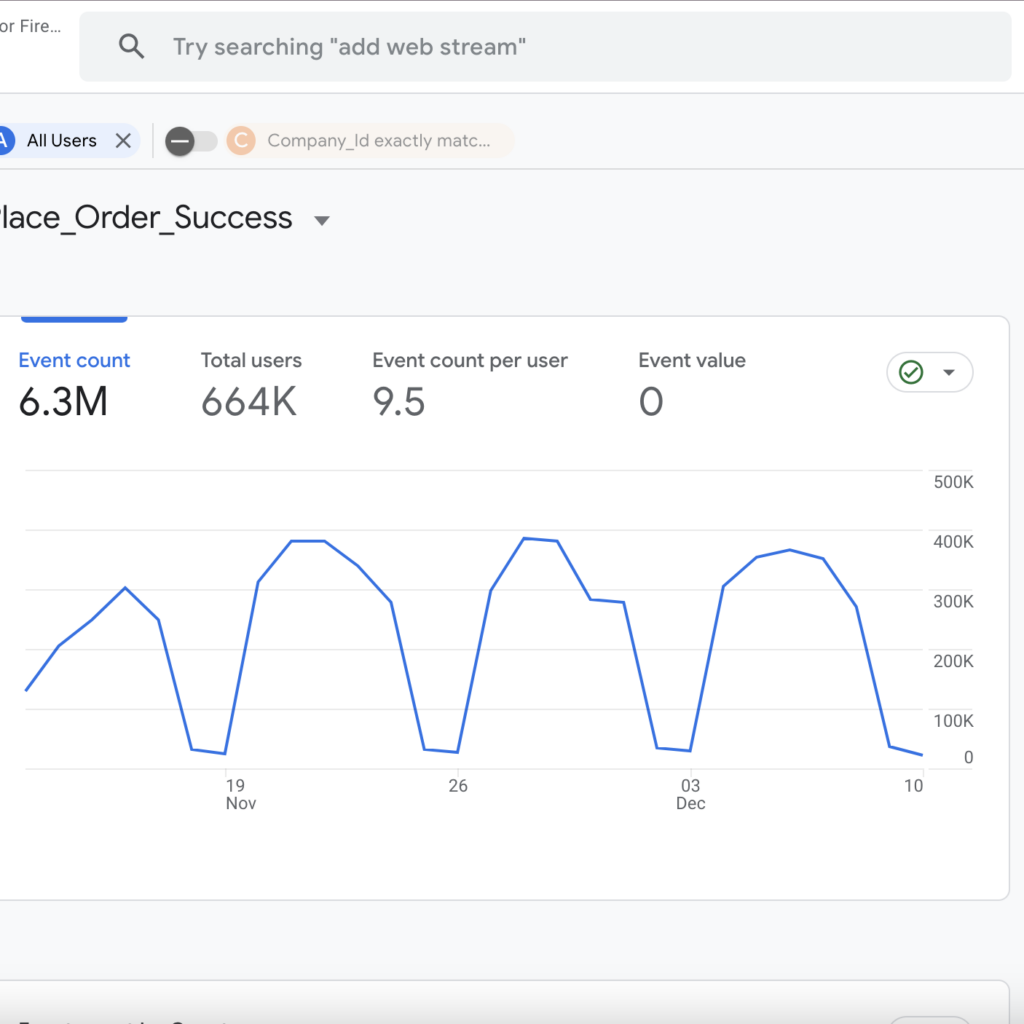
GA4 tracks user interactions as events.
Examples include:
- Button clicks
- Video plays
- Downloads
- Scroll depth
- Form submissions
Monitoring event data helps businesses understand how users interact with their websites.
9. Landing Pages
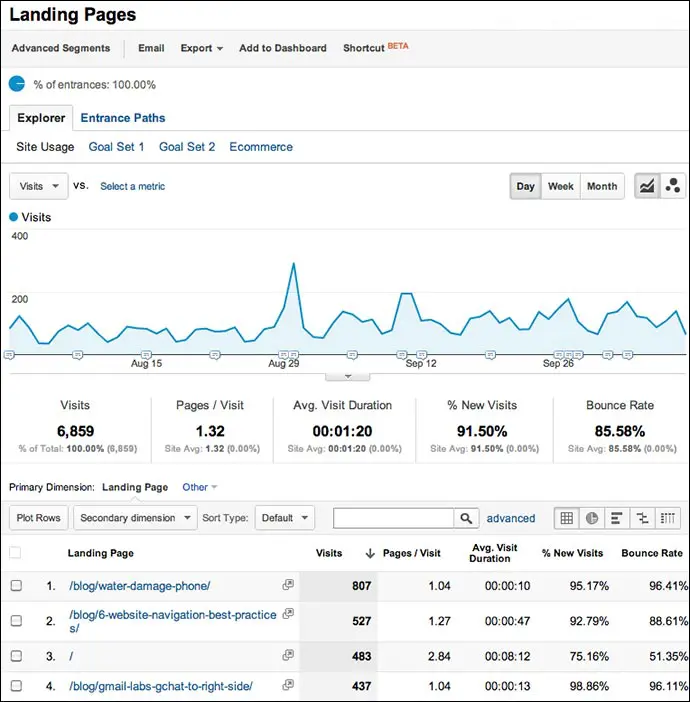
Landing page reports show which pages visitors see first.
Businesses should analyze:
- High-performing landing pages
- Pages with low engagement
- Conversion performance
- Organic search traffic
Optimizing landing pages can significantly improve lead generation.
10. Conversion Rate
Traffic alone doesn’t guarantee success.
Conversion Rate measures how effectively your website turns visitors into customers or leads.
A higher conversion rate often reflects:
- Better website design
- Strong messaging
- Effective calls-to-action
- Improved user experience
Conversion optimization should be an ongoing process.
11. Revenue and Ecommerce Metrics (For Online Stores)
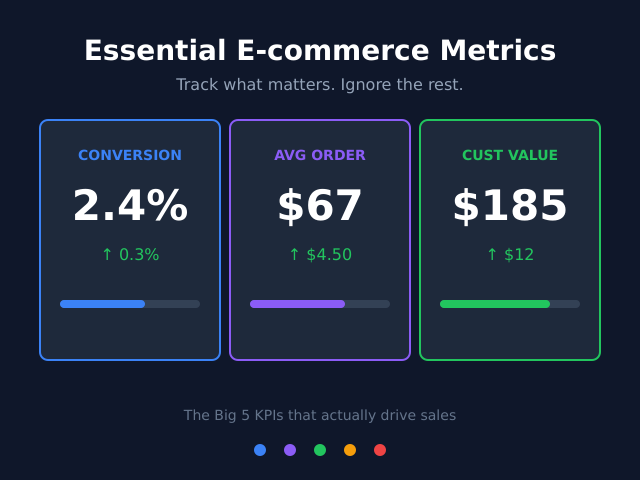
If you run an ecommerce business, GA4 provides valuable metrics such as:
- Total Revenue
- Purchases
- Average Purchase Value
- Items Purchased
- Shopping Behavior
These insights help optimize product performance and sales strategies.
Common GA4 Mistakes Businesses Should Avoid
Many businesses fail to get value from GA4 because they:
- Track too many metrics
- Ignore conversion setup
- Don’t configure events properly
- Fail to connect GA4 with Google Ads
- Never review reports regularly
A properly configured GA4 account delivers far more meaningful insights.
How to Use GA4 Data to Improve Marketing

The best businesses use analytics to make informed decisions.
GA4 data can help you:
- Improve SEO strategies
- Optimize Google Ads campaigns
- Increase landing page conversions
- Understand customer journeys
- Refine content marketing
- Reduce marketing costs
Data-driven decisions consistently outperform assumptions.
How Spectra Digital Helps Businesses Use GA4 Effectively
At Spectra Digital, we help businesses set up and optimize Google Analytics 4 to measure meaningful performance metrics.
Our services include:
- GA4 setup and configuration
- Conversion tracking
- Google Tag Manager implementation
- Marketing performance reporting
- SEO and paid campaign analytics
- Data-driven optimization strategies
We ensure your analytics work for your business, not just collect data.
Final Thoughts
Understanding the Google Analytics 4 metrics every business should track is essential for making smarter marketing decisions.
Instead of focusing only on traffic, businesses should monitor engagement, conversions, acquisition channels, and user behavior to understand what truly drives growth.
With the right GA4 setup and regular analysis, you can improve website performance, maximize your marketing ROI, and make confident, data-driven decisions.
If you’re looking to unlock the full potential of Google Analytics 4, Spectra Digital can help you implement tracking strategies that support long-term business success.